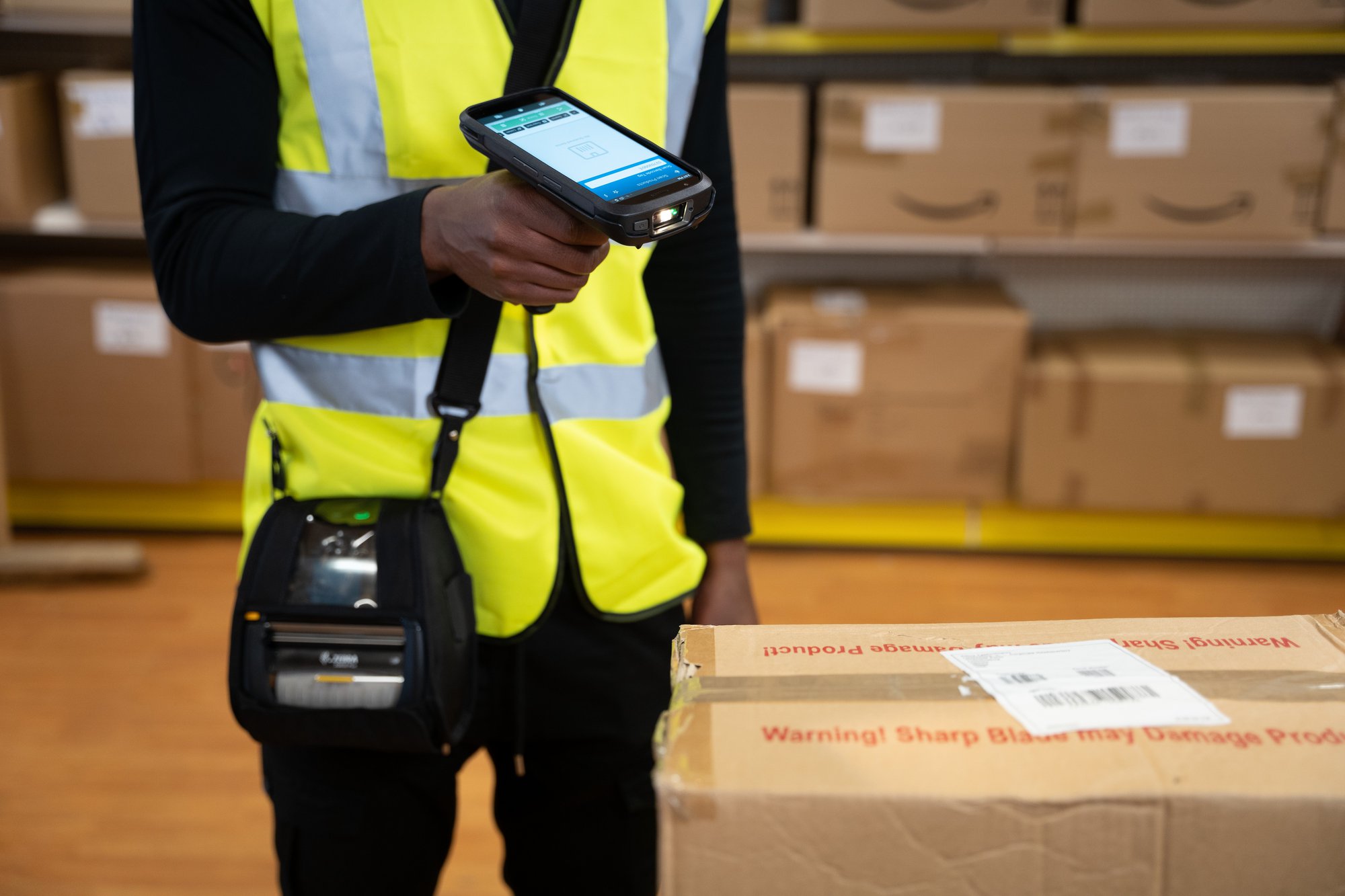
If migrating from Windows CE to Android is one of those jobs you’ve put off for another year, you are not alone. Many operations and IT managers realise that the end of support for Windows CE means there are compelling reasons why this migration needs to occur. But they also feel this job will be too big – and too disruptive to day-to-day operations.
We’ve helped many businesses make a seamless migration from Windows CE to Android using our in-house modular framework, CoreXam (more on that later). Along the way, we’ve compiled the most common questions people ask about the process. Our answers will reveal it isn’t nearly as difficult as you might think – and the benefits in terms of increased productivity and return on investment will encourage you to put this vital task to the top of your to-do list.
1. Can I keep using Windows CE?
All ‘mainstream support’ for Microsoft Windows CE 5.0, Windows Embedded CE 6.0, Windows Embedded Compact 7, and Windows Embedded Compact 13 has ended. This means you can’t raise tickets for assistance. Additionally, security patches are no longer available for these operating systems. To sum up, you can continue using these systems, but it isn’t a good idea. You will receive zero support or upgrades, and security patches have been completely phased out. Read our post about 5 Urgent Security Issues for Legacy OS Devices to get the full picture.
2. But my devices are working fine. Why should I migrate?
They may work right now, but as manufacturers run out of stock, it’s likely that parts, replacements and accessories won’t be available when devices need service or repairs. We are already hearing stories of scarcity within the industry and the situation will only get worse as time goes by. Look at it this way: when you are using legacy devices, the potential for disruption to your day-to-day operations grows year on year.
3. Are security breaches really a concern to my business?
Yes, this is a ‘clear and present’ danger. Because these devices will not receive any security patches, they will not be protected against new threats that could cripple your IT infrastructure and put your data at risk. And the risk is considerable. According to the UK government’s Cyber Security Breaches Survey 2024, half of businesses (50%) and nearly a third of charities (32%) have experienced a cyber security breach or attack in the past year. Any business is a possible target, but devices running on legacy operating systems such as Windows CE are particularly vulnerable: they simply can’t withstand the complexity of today’s security threats.

4. What are the benefits of a Windows CE to Android migration?
This is a good question, because people often think only of the negatives – the inefficiencies of outdated systems and the threat of cyber attacks. But there are many, many positives. Customer expectations are growing – in this environment a fast, streamlined and easy-to-use new system will boost productivity and keep you competitive. You’ll also have access to efficiency-boosting functions and apps that far outperform anything available on Windows CE.
Optimised devices and modern apps are essential for keeping up with increasing demand and your competitors. Incorporating this new technology is likely to produce a tangible return on investment.
To find out more, read our post about the business benefits of migrating to Android.
Also, if you’re weighing up the pros and cons of Android versus Apple’s iOS, here’s our case for why Android is the best operating system for business mobile devices.
5. Will migrating disrupt my everyday operations?
Probably far less than you think. Any disruption caused by migrating can be planned for and mitigated. You are in control of how fast you migrate and it can be achieved in an orderly, staged way. Conversely, unplanned disruptions as a result of using unsupported OS and mobile devices could be disastrous, posing far greater financial and reputational risk.
6. Will I have to retrain my workers?
Android is the world’s most popular OS for devices. Most of your team will be familiar with Android platforms already and so retraining will be a swift and fuss-free affair. Think of the benefits to employees too: providing them with modern technology on easy-to-use devices will take away common frustrations with technology and improve their working environment.
7. Will I need to reconfigure my backend systems?
This depends on how your mobile devices communicate with your backend systems. If you’re using a terminal emulation system, you may be able to modernise the user interface on your mobile devices while retaining the same backend systems. If you’re using a more modern client / server system then you should be able to switch out the mobile client as long as good documentation is available for the backend systems. If in doubt, ask us for help and clarification.
8. How easy is it to upgrade our terminal emulation app to Android?
There are many terminal emulation client apps available for Android. They all provide slightly different feature sets, including the ability to build graphical user interfaces on top of your TE systems. However, while it may be easy to get the TE working on Android, bear in mind you will not be able to fully exploit the capabilities and speed of your Android devices.
9. Is it difficult for developers to create enterprise apps for Android devices?
Nuffield Technologies can build apps to your specifications, quickly and cost effectively. This is because we use our in-house modular framework, CoreXam, for building line of business data capture applications. This reduces the need for bespoke development work by up to two thirds and simplifies support. As CoreXam is based on Microsoft Xamarin, we can sometimes reuse significant portions of code from existing Windows CE applications. We’ll be more than happy to explain these details to you, so our process is completely clear.
10. How long will app development take?
Apps have traditionally taken 6-12 months to develop. However, CoreXam enables us to develop your app within 1.5-3 months, depending on complexity. As migration can be achieved in a staged approach, it is down to you to decide how long you would like the migration process to take.
11. How much will migration cost?
This will depend on your exact requirements, such as the size of your device fleet, whether you need to buy new devices and what apps you need migrated. Our costs are scalable, meaning businesses with fewer devices will pay less, so it’s very likely we have a cost-effective solution for you.
Find out more about Windows CE to Android migration
For detailed insights into Windows CE to Android migration and advice on how to begin the process for your business, download our white papers:
Windows® CE to Android™ Migration: The Definitive Guide
How to Upgrade Windows® CE Mobile Apps to Android™: A Step by Step Guide for Business
Or contact us now to find out how our UK-based, in-house development team can deploy CoreXam to ensure a smooth and swift migration to the Android operating system.