

If you’re looking for new devices, don’t start with the product specs – start with what you truly need.
That, in a sentence, is what will help you find the Goldilocks device that will exactly fit your organisation’s requirements. Because it’s all too easy to get mesmerised by that extraordinary battery life, ‘hit me with a sledgehammer’ credentials or remarkably cheap cost. If you start from the other end – working out your situation and requirements first – you’ll avoid the perils of over- and under-specification.
Why does this matter?
- Over-specification: you’re paying for ruggedness, scan range, support life or other features the team never uses. It’s wasted budget.
- Under-specification: you’re missing features that are essential for running your business. It’s costing you in efficiency.
- Right specification: your device is perfectly suited to make a material difference to your operations and bottom line.
Where does cost come in?
Firstly, some myth dispelling. The most expensive mistake isn’t buying too cheaply – it’s buying the wrong thing for the actual job. That inexpensive device may be exactly what you need to match your requirements. So, you needn’t discount inexpensive kit out of hand.
Conversely, that ‘expensive’ device – at least in terms of initial outlay – may have a lower lifetime cost, because it’s more durable and better supported. So it too might be exactly what you need to match your requirements.
The key point about cost is not to take price as your starting point. Take your requirements as the starting point and work from there.
Now, about those requirements.
7 things to consider when choosing a rugged barcode scanner
Ask the following questions to help you right-spec a device. (And see the bottom of the article for a useful checklist resource to help you do this in a systematic way.)
Environment
Think about your day-to-day operations and the situations your people and devices will encounter. A device used for point of sale in an air-conditioned store will have very different requirements from one used to deliver packages to customers in driving sleet and rain. Things to consider include temperature extremes, knocks and drops, a need for gloved use and the availability of Wi-Fi. Rugged devices can comfortably manage all of these criteria, with various degrees of toughness; or some of them; or none. What will you need? Find out more about rugged specifications.
Usage and battery
Many a business has fallen foul of this category. How many hours a day are devices in use? Is this broken into shifts and what are the gaps between shifts? Assessing devices alongside this information will help you source machines with the battery length and charging accessories you need, so your people do not experience the dreaded powerdown at a crucial moment.
People and shared use
With the greatest respect to your workforce, people are unpredictable and – if given the opportunity – may play Subway Surfers on your time. How often do you train new staff? Are many of your workers seasonal and with you for a short period? And are devices issued per person, or shared? Answering these questions will help you choose machines with the level of mobile device management (MDM) capability you require. This isn’t just about locking down external time-eating apps – it could include personalised home screens per user, remote device-wiping and more.
Scanning
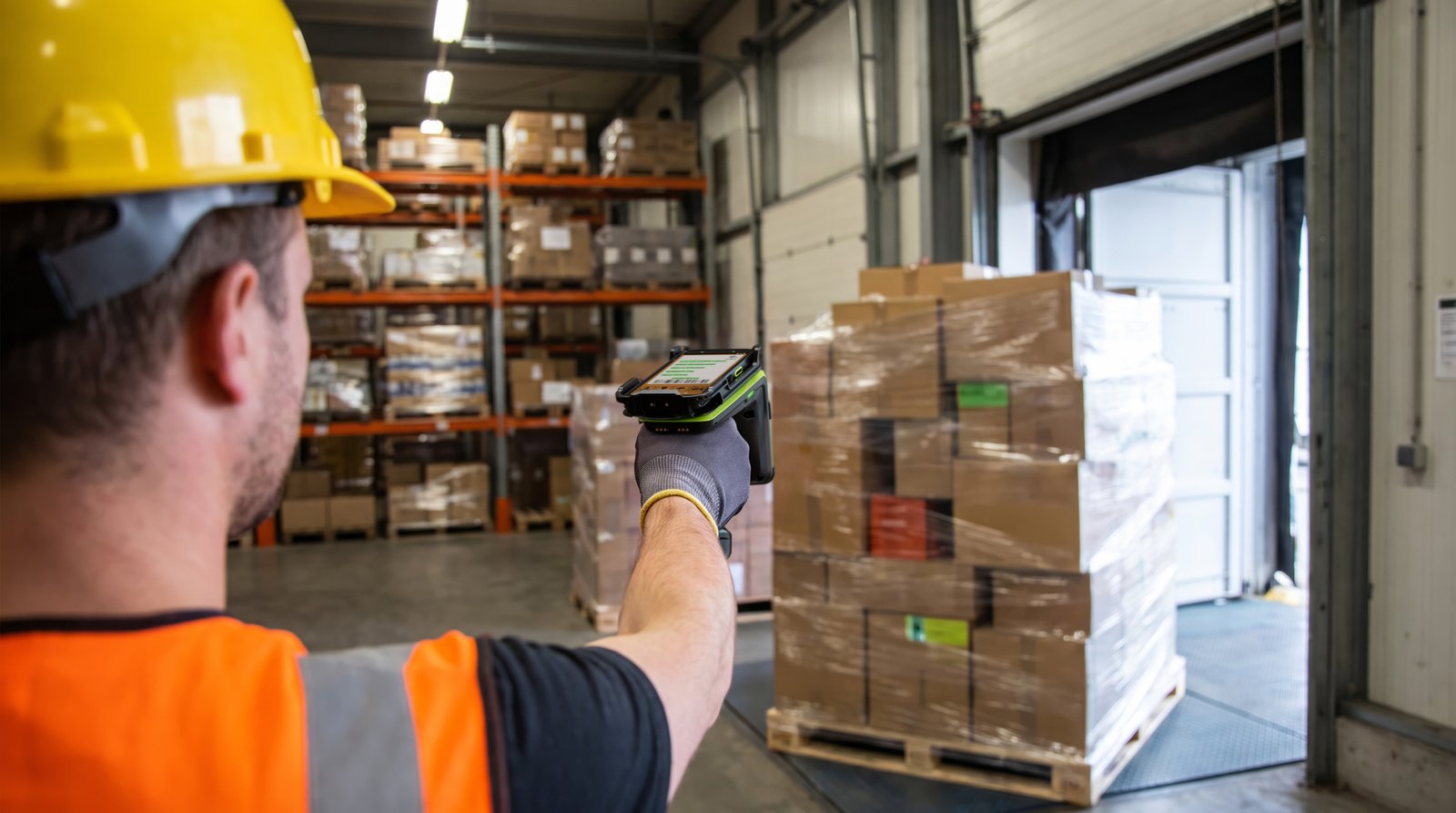
This function deserves a category all of its own, because scanning is so important to many operations – and there are devices to match your exact requirements. Do you scan barcodes and, if so, with what frequency? And do you need to scan at a distance? These questions will help you work out if you need a device with built-in scanning functionality for light usage; a device with a powerful handheld scanner accessory; or no scanning capability at all.
Apps and processing
How much data sits on the device, how many apps do you use and how complex are they? At this point, you’ll want to get into the nitty-gritty of processor speed, RAM and storage type. You may even want to investigate thermal design, to ensure complex applications don’t overheat your machines.
Communication needs
Do you need to make phone calls with your devices? Some models include Wi-Fi and mobile, or Wi-Fi only – choosing the latter could save you money if you don’t require a mobile network. Meanwhile, are you in a warehouse environment, construction, field services, or public safety? If so, push-to-talk may be essential to keep your people quickly connected. You can even choose devices with safety alerts, to help safeguard lone workers in hazardous environments.
Lifecycle and support
How long does your device need to last before it is replaced? You’ll find models good for 1-2 years, 3-4 years, 5 years or even 10+ years. Durability, availability of repair and security updates are all part of the mix when you investigate a device’s lifecycle and match it to your needs.
What getting the right spec looks like: two examples
Example: when the cheaper device is enough
A small manufacturing company issued mobile devices to warehouse staff. In a classic path-of-least-resistance scenario, it simply kept renewing whatever the leasing company offered. However, departmental budget reviews led it to analyse its true requirements. The usage picture was unexceptional. Devices were deployed in an indoor warehouse, for one steady shift a day, with light barcode scanning using a single stock-tracking app. The team, meanwhile, was longstanding and loyal.
The devices currently used were ultra-rugged, and built for 5G and private network connectivity, barcode scanning from 40 feet away, RFID reading, and full two-way radio and PBX phone functionality. This was a classic case of over-specification. So, instead of renewing the same mid-range contract out of habit, the company dropped down to a plain, lightly rugged device with a standard scan engine, Wi-Fi-only connectivity and enough processing power for one straightforward app. It did the job just as well, for a fraction of the cost.
Example: when spending more makes sense
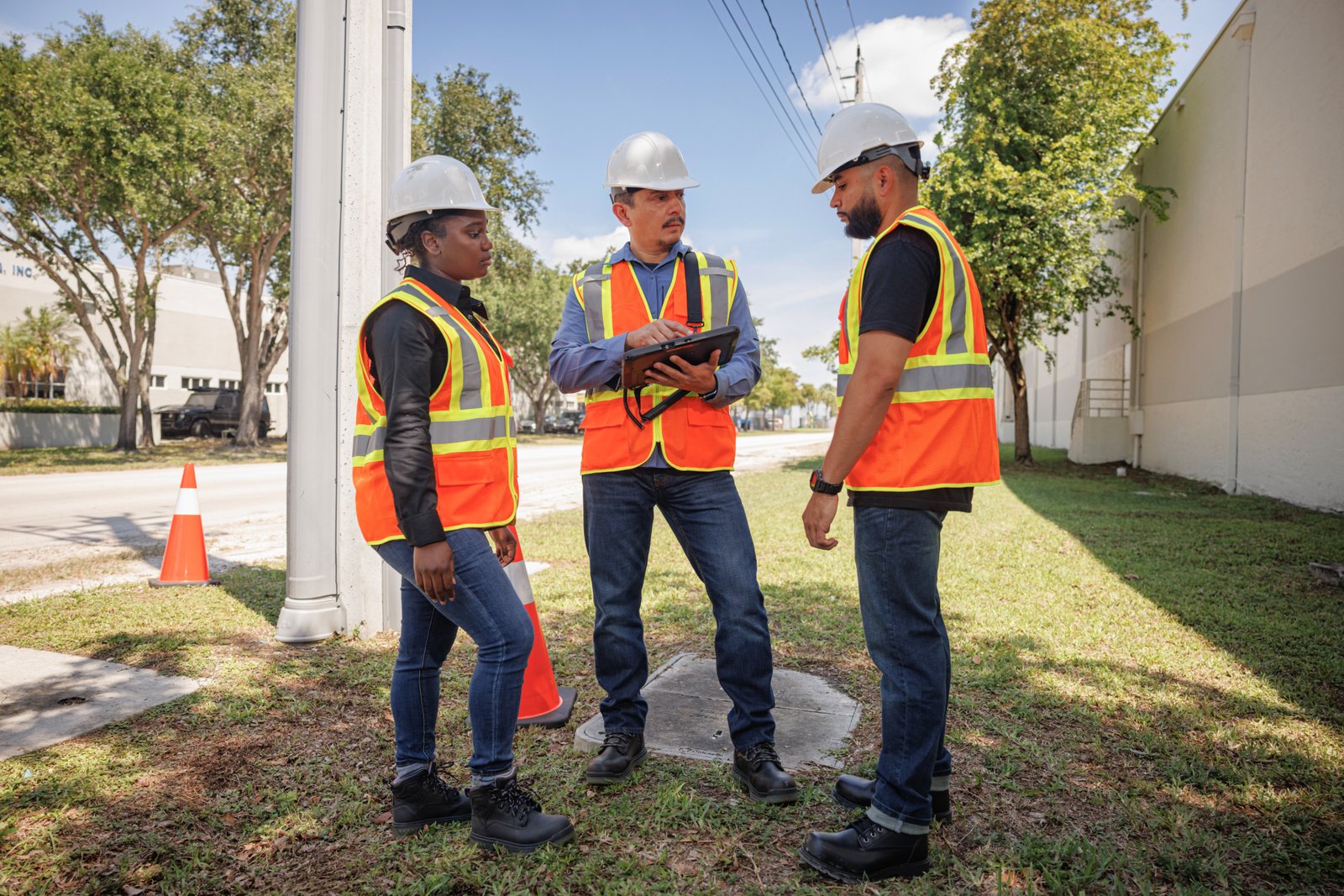
A field services company kept losing devices to cracked screens and dead batteries mid-shift. It was time to look properly at what technicians actually did all day and build a new mobile device solution.
The picture was brutal. Employees were outdoors in all weather 70 per cent of the day, getting in and out of vehicles and dropping devices regularly. A high churn rate, with many seasonal staff, meant devices needed to be set up in minutes and wiped just as fast. Meanwhile, engineers frequently scanned parts, with several heavy diagnostic apps running at once.
The team chose a high-end rugged device with IP65/68 sealing, drop resistance up to 10ft / 3.05m, an AI-ready processor and a sophisticated MDM ecosystem. These specs were not an indulgence; they were an essential part of ensuring devices survived out in the field.
A final word: how to tell when ‘good enough’ is genuinely good enough
You’re almost there, but perhaps you have a few doubts – and keep looking over your shoulder at that all-singing, all-dancing model, or ‘great value’ device. Ask these questions.
- Would a cheaper device fail on any of the above criteria? If not, you may be over-specifying and can pick a less expensive model.
- What’s the cost of failure? A cracked screen mid-shift in a warehouse is an inconvenience; a cracked screen mid-delivery in the rain is a lost day's work. What’s your scenario?
- Are you still ‘overcomparing’? You may be stuck in indecision hell, because your device is lacking compared to the top model. Guess what? Every other device does too. Anchor the comparison to the requirement, not the flagship model.
Not sure what your next rugged device needs?
If you are buying rugged Android barcode scanners or mobile computers for the first time , try our Device Fit Check to explore what your team actually needs, or take our Device Health Check if you’re reviewing your existing fleet— before you spend.
Nuffield Technologies procures and deploys devices to clients in logistics, field services, manufacturing, retail, defence forces and many other industries.